Improve your phone photos with 1 simple setting change.
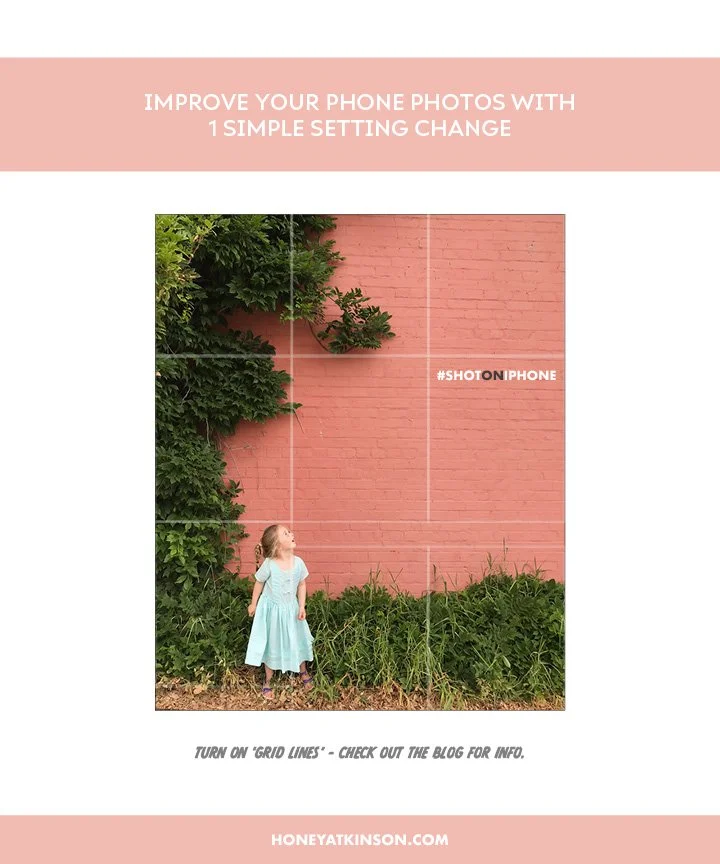
Turn on your ‘grid lines’! Why? This very simple tool divides your camera screen into nine even boxes so that you can compose and structure your photos better and also keep things like buildings and horizon lines straight.
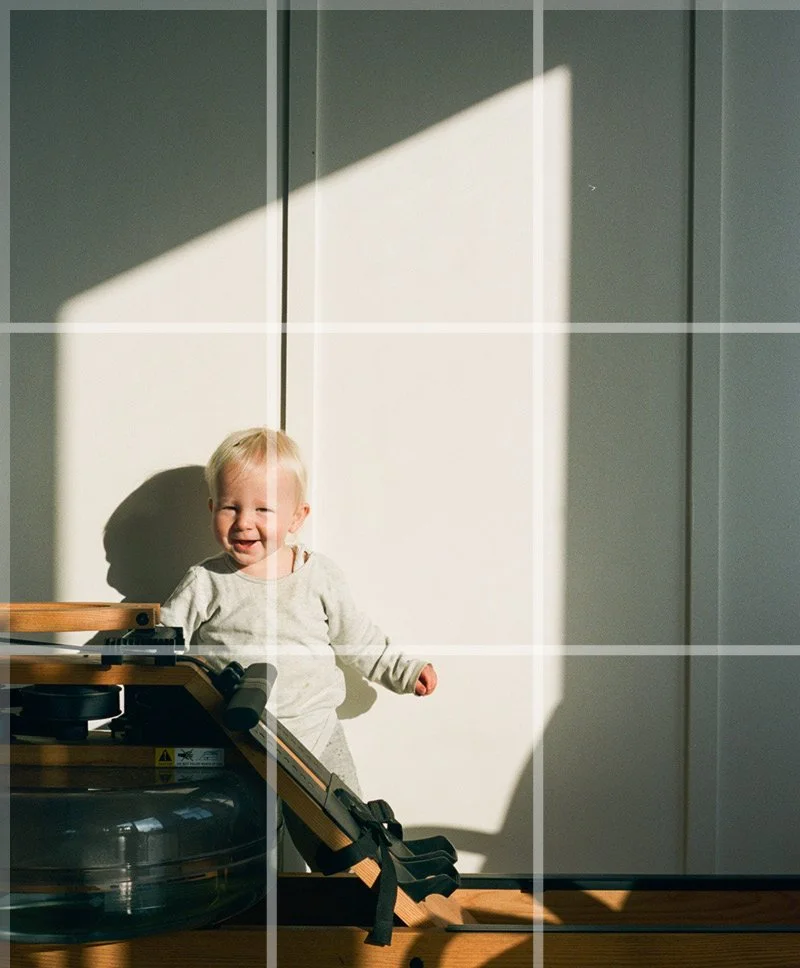
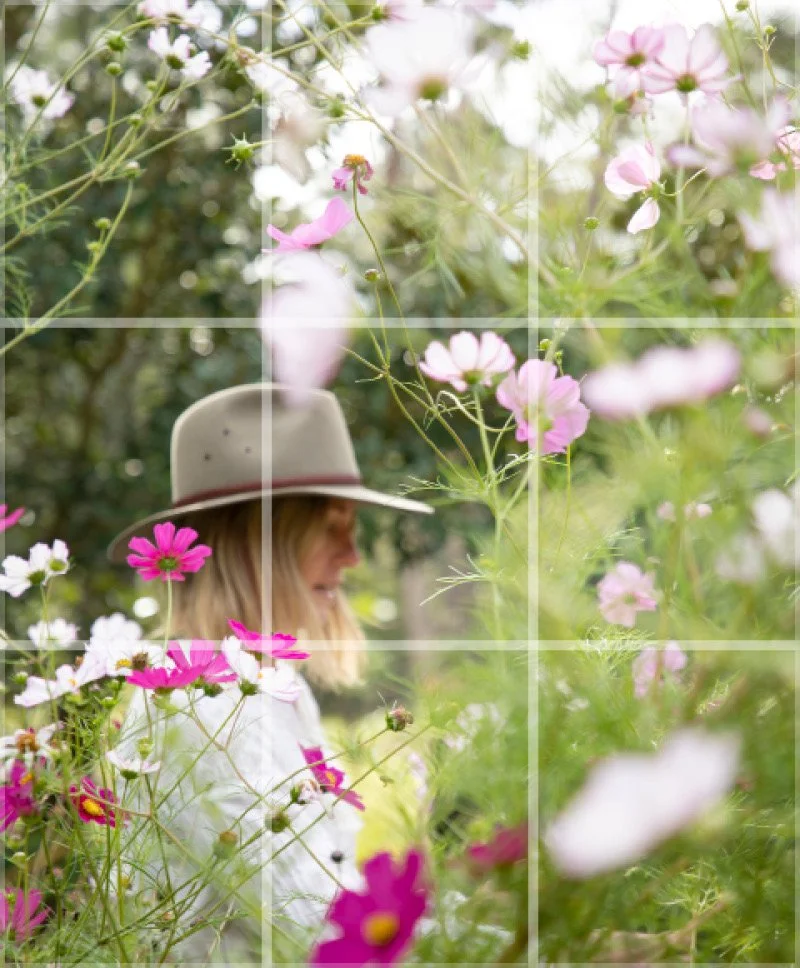
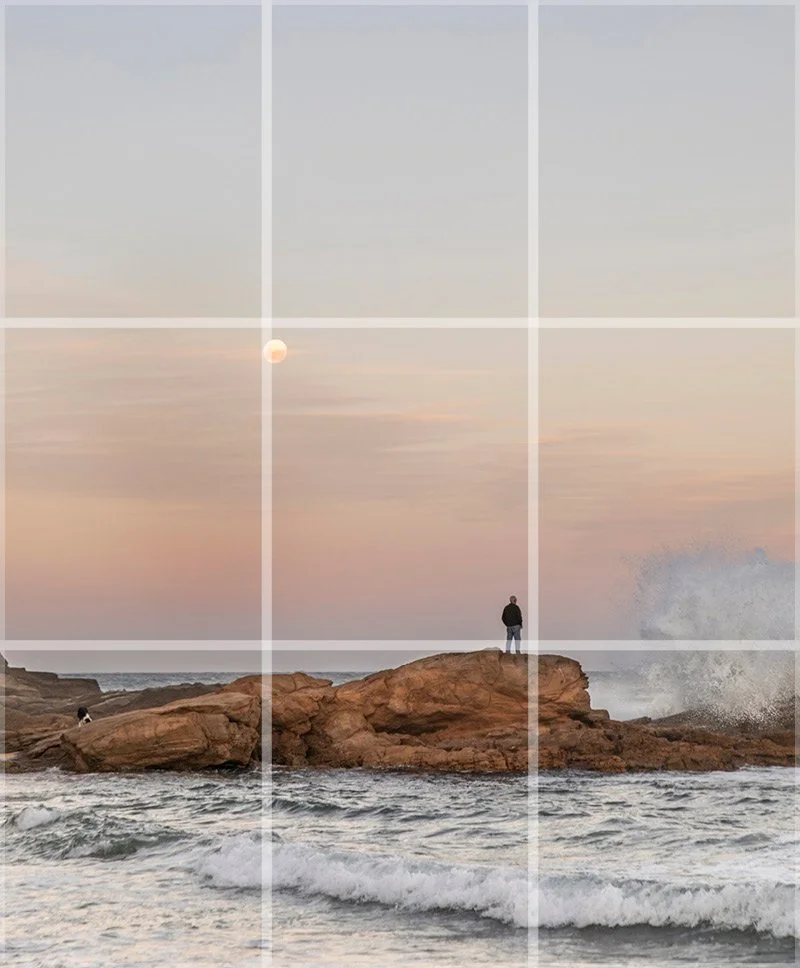
I often use the grid lines to place important elements of my photo where these intersect (like the photo below) or I might place food on a tabletop that goes in a rough ‘s’ shape diagonally across the grid lines. Once you start to practice using this tool you'll this technique used so often create striking images. This grid can also be referred to as the ‘rule of thirds’. See below for info on how to turn this setting on.
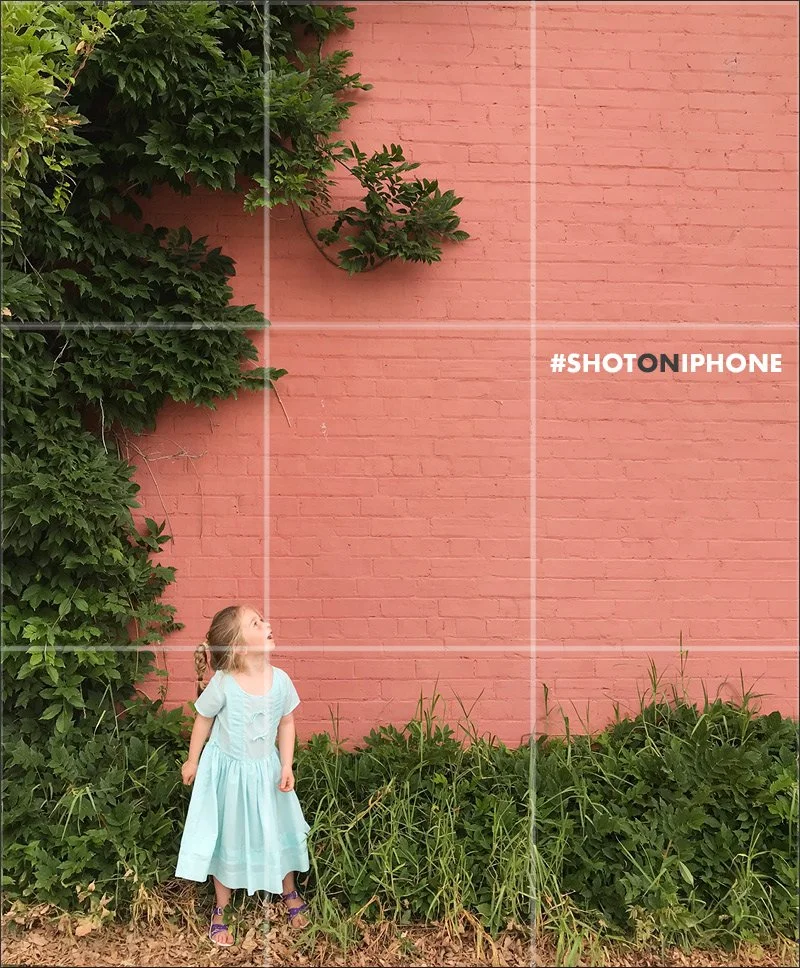
How to turn on your ‘grid’
IPHONE SETTINGS:
Launch ‘Settings’
Scroll down to ‘photos/camera’
Click ‘grid’ on
ANDROID SETTINGS:
Launch the Camera app.
Tap on Settings.
Select Grid lines.
Choose between 3 x 3 or Square
Examples of using ‘grid lines’ to compose photos.